
One of the three Mundil apps
Annora
Annora turns a video of Jupiter, Saturn, Mars, Venus or the Moon into one detailed picture. A planetary capture is thousands of frames, most of them blurred by the air, and the art is in choosing which to keep.
- Planets and the Moon
- Windows and Linux
- macOS coming soon
- Free, open source
What it does
In plain words
Annora finds the planet in your video, follows it, ranks the frames by sharpness, lines up the best and combines them. It then corrects the colour fringing the air causes, turns long captures back to one moment, and sharpens the result.
Follows the planet
Finds your target in the video and follows it.
Picks the best frames
Chooses the sharpest frames to combine.
Combines them
Lines up and combines the best frames into one image.
Fixes colour fringes
Corrects the colour fringing caused by the air.
Sharpening
Sharpens the finished picture, with a method chosen to suit the size of the planet.
Spinning planets
Corrects for the spin of the planet in long captures.
See it at work
Real screenshots
Every picture here comes from the app and from real captures. Select one to see it larger.
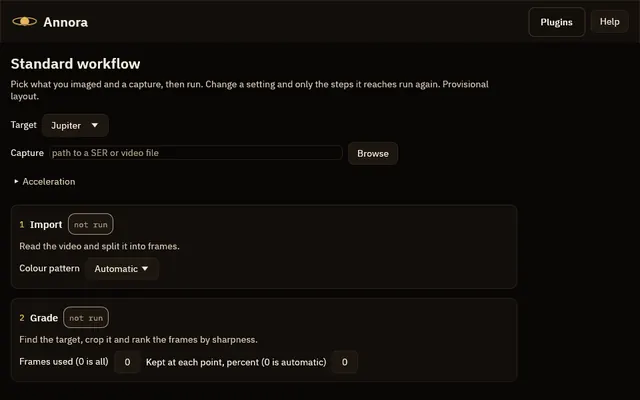
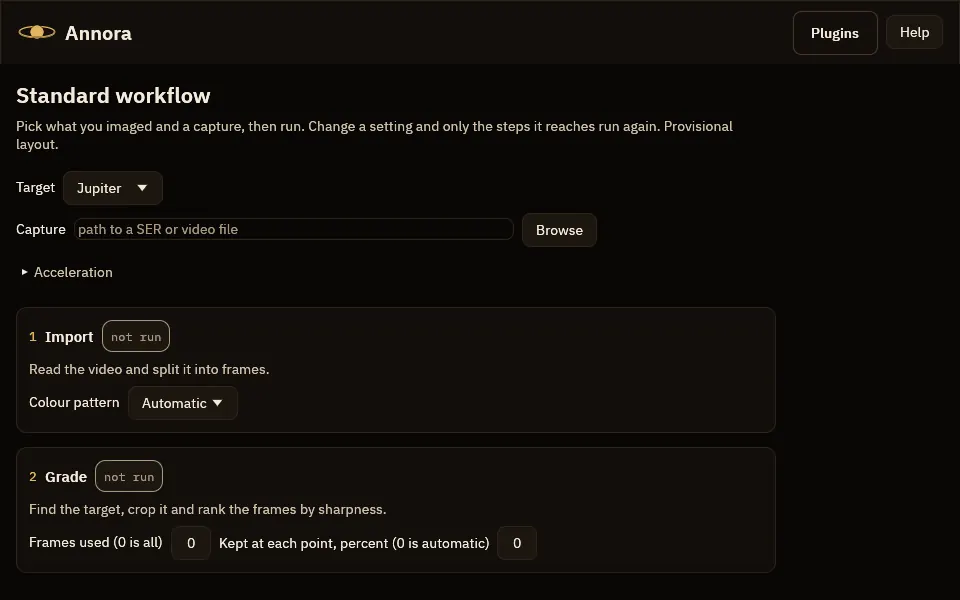
The workflow page before a run: the target, the capture, and six step cards that all say not run. 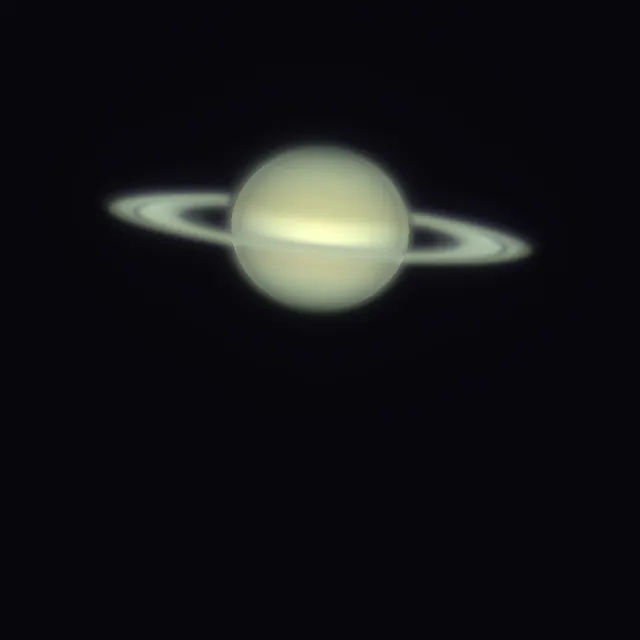
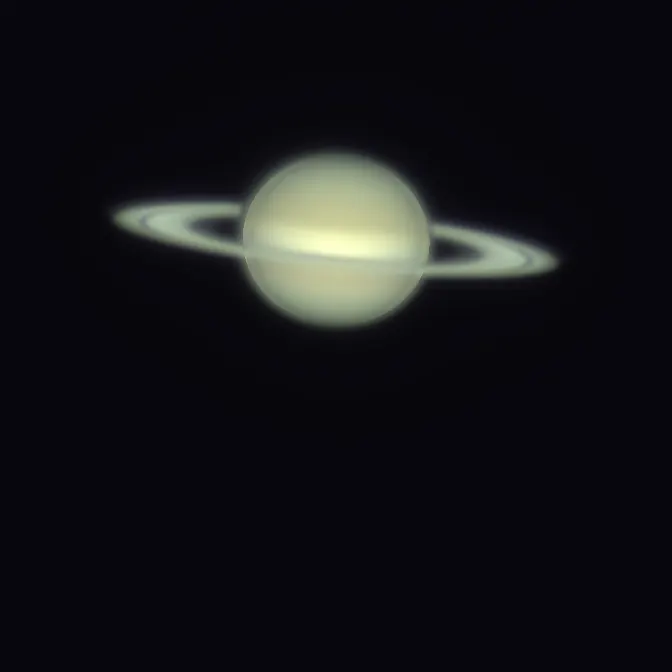
Saturn from three captures turned to one time and added. 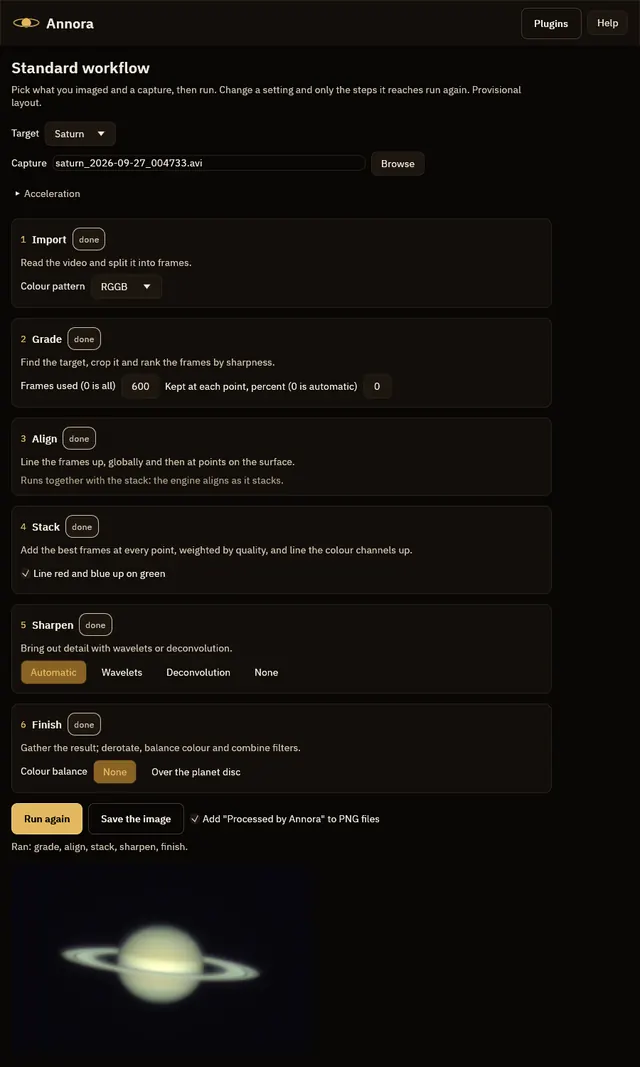
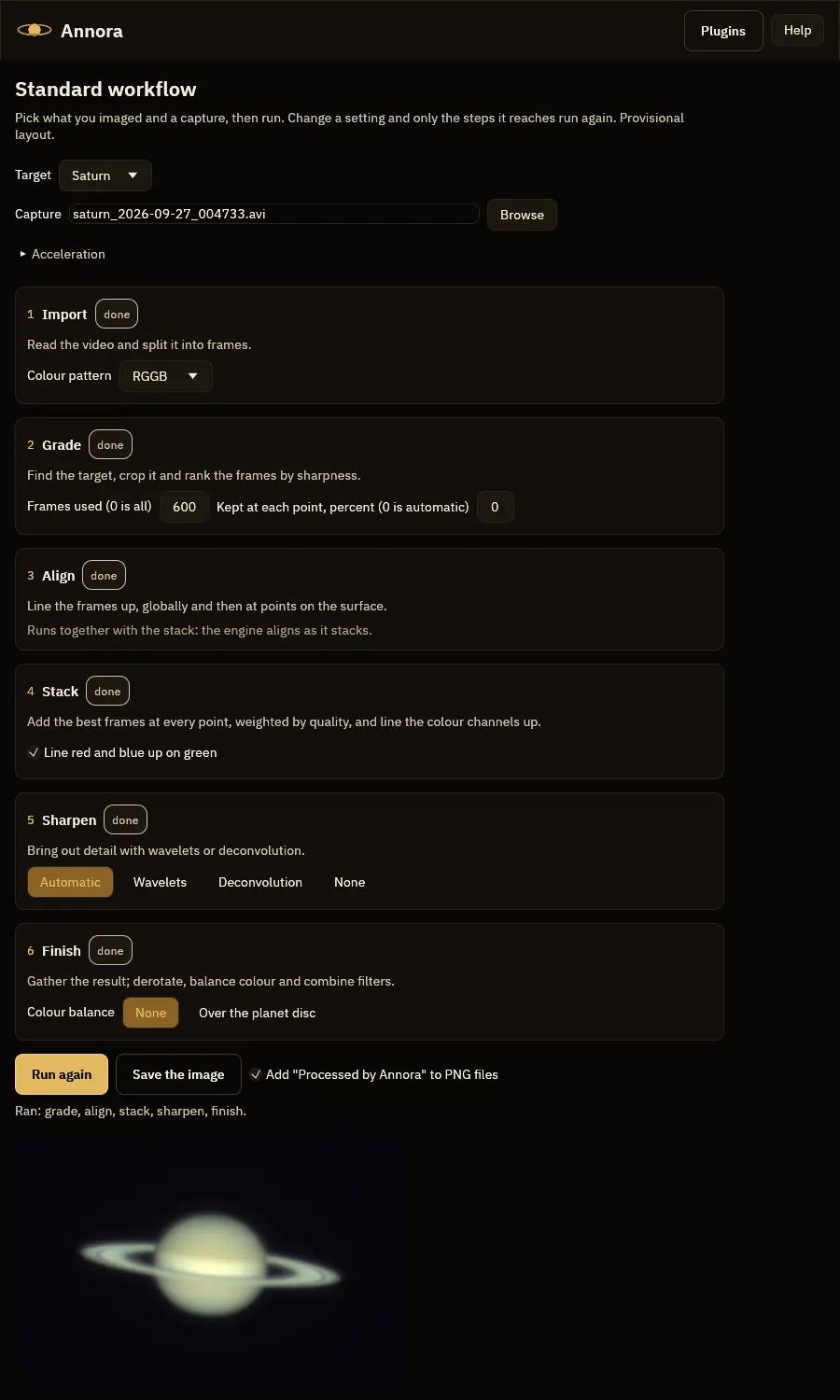
The workflow page after a real run on Saturn: all six steps done, and the finished image below.
How fast it is
Measured, not promised
- 9.4 sto combine a real 10,000-frame, 3.1 GB Jupiter capture on an 8-core x86 computer
- 22.9 sfor the same capture on an 8-core Arm computer
- 1,063frames a second on the x86 computer (437 on Arm)
Best of three runs on an otherwise idle machine, on the processor only. x86: AMD EPYC-Milan, 8 virtual cores. Arm: Ampere Altra, 8 cores.
Before you download
What you need
| Windows | 64-bit. Choose the installer, or the portable zip that runs without installing. |
|---|---|
| Linux | 64-bit Intel or AMD, or ARM64 (for example a Raspberry Pi 4 or 5). Choose an AppImage, a .deb, an .rpm or a tar.gz archive. |
| macOS | Coming soon. |
| Graphics | Annora uses your graphics card when it finds one, and your processor when it does not. |
These apps are new and their installers are not signed yet, so Windows may say “Windows protected your PC”. Choose More info, then Run anyway. The download page lists a SHA-256 checksum for every file.
Downloads are on 12hobbies.studio. You choose what to pay, and nothing is fine too. Why is it free?
Where it stands
Honest status
Annora is early. It already goes from a video to a finished picture, can run a whole batch of captures, can write the result enlarged, and corrects for the spin of the planet in long captures. The workspace window is still being designed; the stages already work.
Why I made it
Annora and me
I work in high-performance computing, and I like to let a machine do the waiting. My own astronomy pictures used to go through a pile of scripts I wrote for myself. A planetary capture is thousands of frames, most of them blurred by the air, and the art is in choosing which to keep. Annora is that workflow made into fast, tested software.
Annora is young, and I would rather say exactly what it can do today than what I hope it will do.
Dedication
Annora is dedicated to my wife, Laura Ann Horrocks-Barlow. Its name joins her middle name, Ann, with aurora, light in the night sky; she shares that sky with me, and her patience outlasts every cloudy night.