
One of the three Mundil apps
Helia
Helia turns a video of the Sun into one sharp picture. It finds the clearest moments in thousands of blurry frames and combines them. It is for anyone who photographs the Sun and wants open-source software that is pleasant to use.
- The Sun
- Windows and Linux
- macOS coming soon
- Free, open source
What it does
In plain words
Helia looks through your video and picks out the sharpest frames. It lines the Sun up in each one, combines the best and sharpens the result. You then adjust the brightness, colour and detail to taste, ready to share. It works with astronomy cameras, and with video from phones and ordinary cameras too.
One-click stacking
Recommended settings are chosen for you, so a good first result takes one click.
Ignores spoiled frames
A passing plane, satellite or speck in one frame no longer spoils the picture.
Time-lapse movies
Turn a session into a movie of the Sun, with its slow turning taken care of.
Sunspot counting
Finds the sunspots and counts them for you, ready for your observing log.
Glowing edge and disc
Bring out the flames at the edge of the Sun and combine them with the disc in one picture.
Colour to taste
Ready-made looks for each solar filter, true colour from colour cameras, and colour grading.
See it at work
Real screenshots
Every picture here comes from the app and from real captures. Select one to see it larger.
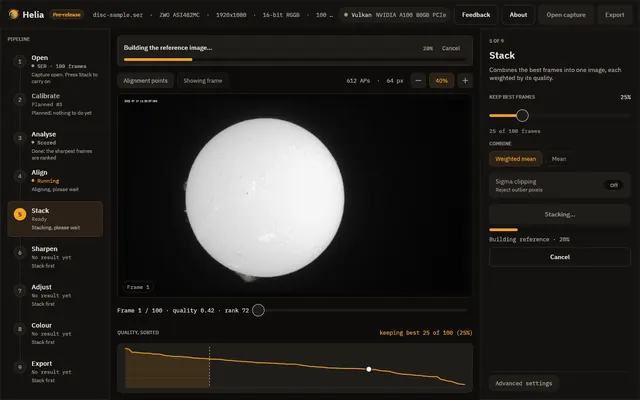
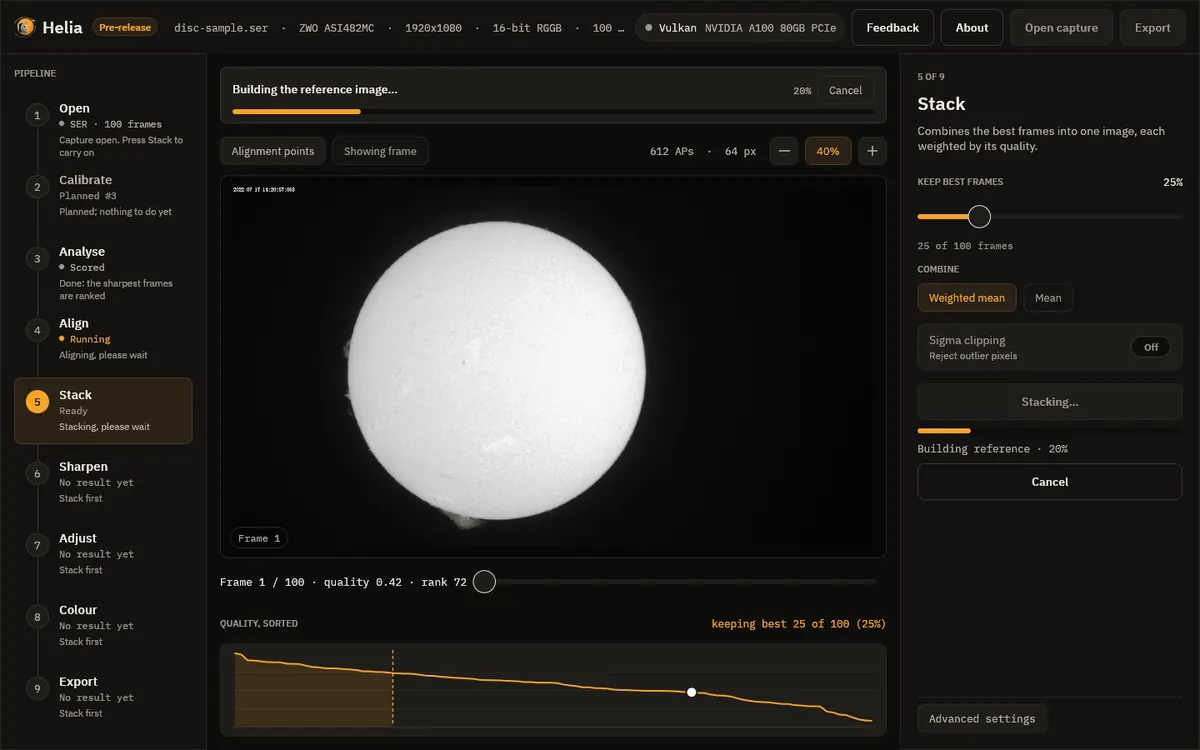
Stacking a video of the Sun, with the steps listed down the left. 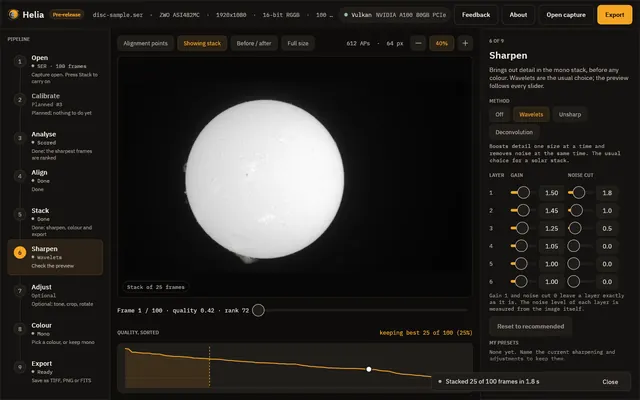
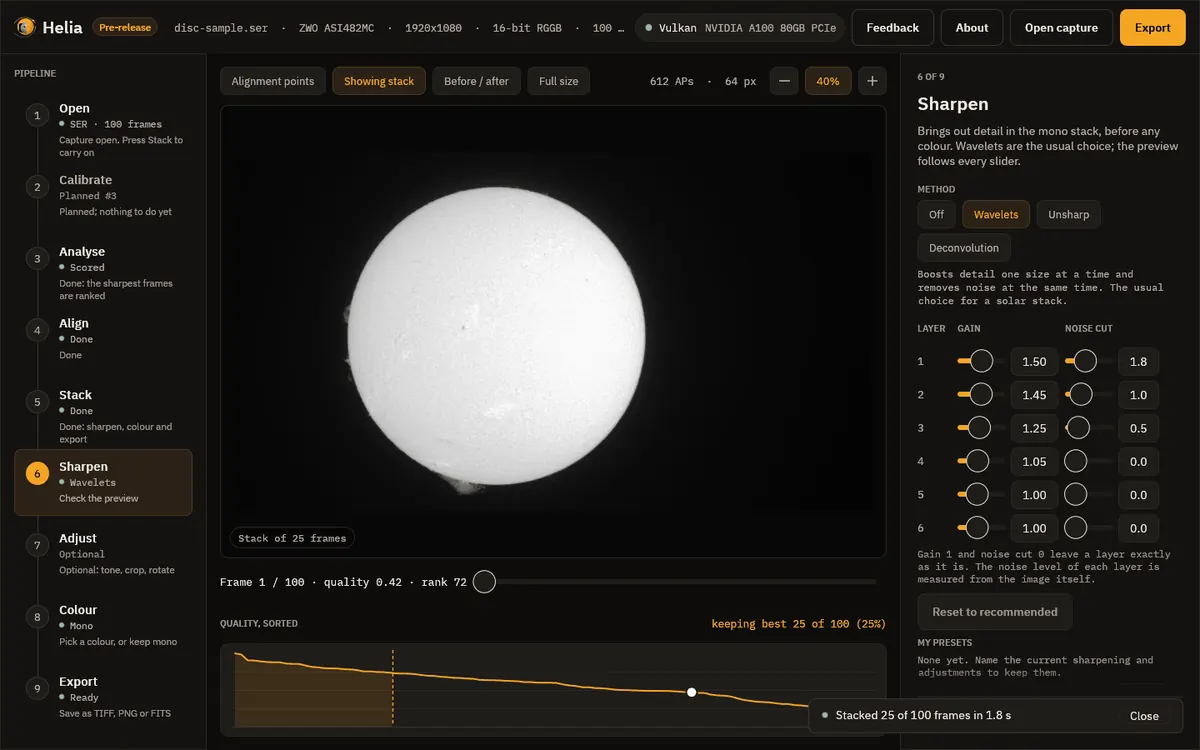
The stacked result on the Sharpen step: 25 of 100 frames combined in 1.9 seconds. 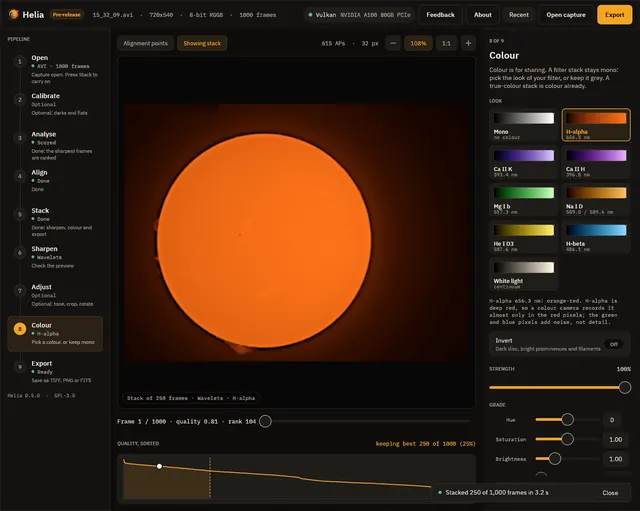
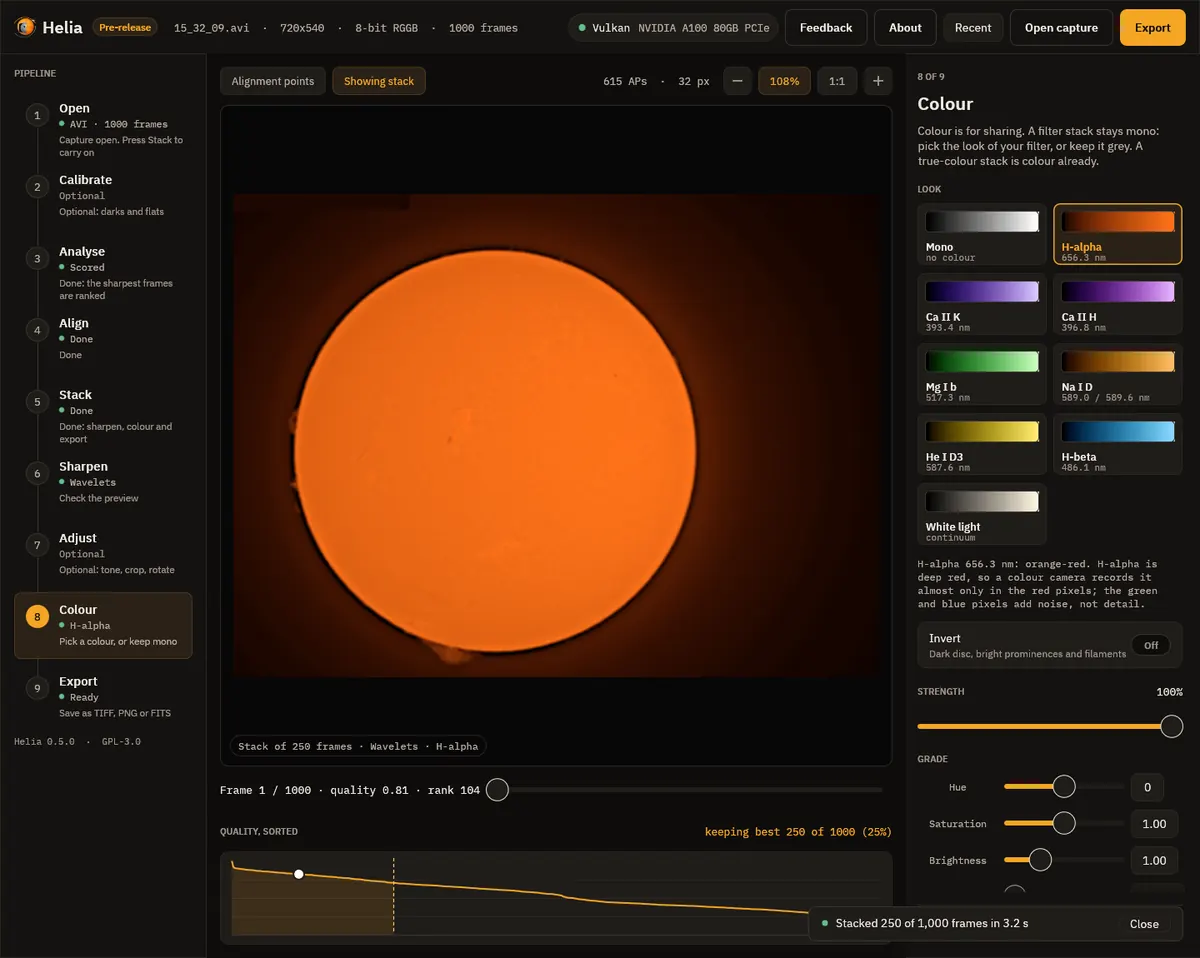
The Colour step with H-alpha chosen: one card for each look. 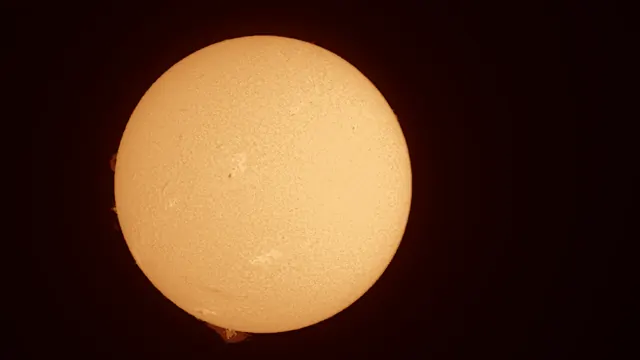
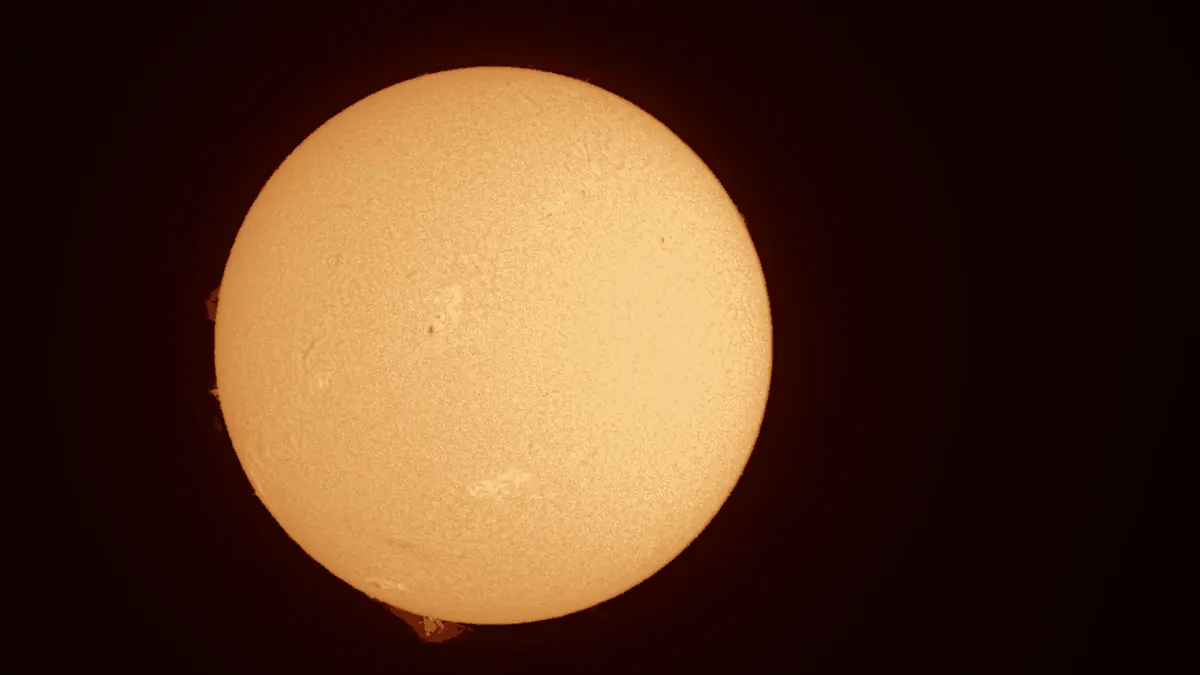
The finished H-alpha picture of the full disc.
How fast it is
Measured, not promised
- 2.9 sto combine a 631-frame HD video of the Sun on a graphics card
- 12.6 sfor the same video on an 8-core computer with no graphics card
- 8.5 sfor a 5.6 GB, 2,713-frame capture on the graphics card, against 62.2 s on the 8-core computer
Best of several runs on an otherwise idle machine. Graphics card: NVIDIA A100 80 GB. Computer: AMD EPYC-Milan, 8 virtual cores.
Before you download
What you need
| Windows | 64-bit. Choose the installer, or the portable zip that runs without installing. |
|---|---|
| Linux | 64-bit Intel or AMD, or ARM64 (for example a Raspberry Pi 4 or 5). Choose an AppImage, a .deb, an .rpm or a tar.gz archive. |
| macOS | Coming soon. |
| Graphics | Helia uses your graphics card when it finds one, and your processor when it does not. |
These apps are new and their installers are not signed yet, so Windows may say “Windows protected your PC”. Choose More info, then Run anyway. The download page lists a SHA-256 checksum for every file.
Downloads are on 12hobbies.studio. You choose what to pay, and nothing is fine too. Why is it free?
Where it stands
Honest status
Helia is in early development. It already goes from a video to a finished picture, and the open-source build is free to download.
Why I made it
Helia and me
I work in high-performance computing, and I like to let a machine do the waiting. My own astronomy pictures used to go through a pile of scripts I wrote for myself. Helia is that pipeline turned into an app anyone can use, so you can spend your time looking at the Sun instead of waiting on it.
I would like Helia to be useful to people I will never meet, and I would like to be a smaller bottleneck in my own work.
Dedication
Helia is dedicated to my daughter, the light of my life. Her middle name is Helia, because she has an energetic spark. She has not stayed still since the day she was born, which suits software whose whole job is catching the sharp moments in something that never stops moving.