
One of the three Mundil apps
Valerian
Valerian takes the pictures you capture of galaxies, nebulae and clusters and turns them into one finished image. A night of deep-sky pictures is a batch by nature: tens or hundreds of exposures that all need the same treatment.
- The deep sky
- Windows and Linux
- macOS coming soon
- Free, open source
What it does
In plain words
Valerian works through a session in five steps: calibrate, register, stack, process and export. It lines up the stars, combines the exposures while rejecting the odd bad pixel, then helps you bring out the faint detail.
Clean up pictures
Calibrates your exposures to remove noise and dust marks.
Combine exposures
Lines up the stars and combines many exposures into one picture with more detail.
Remove sky glow
Takes out uneven glow from the background of the sky.
True star colours
Matches the colours to real stars, so galaxies and nebulae look as they should.
Brighten faint detail
Stretches the picture so faint galaxies and nebulae show up, and can take the stars out to let them stand out.
A desktop app
Works through a night’s pictures step by step, with a red palette that is kind to your eyes in the dark.
See it at work
Real screenshots
Every picture here comes from the app and from real captures. Select one to see it larger.
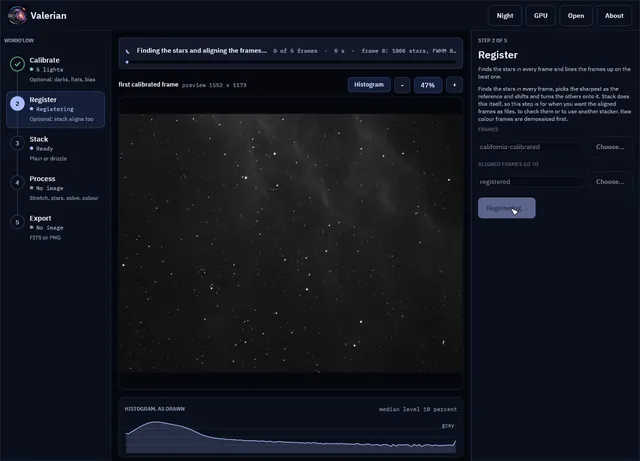
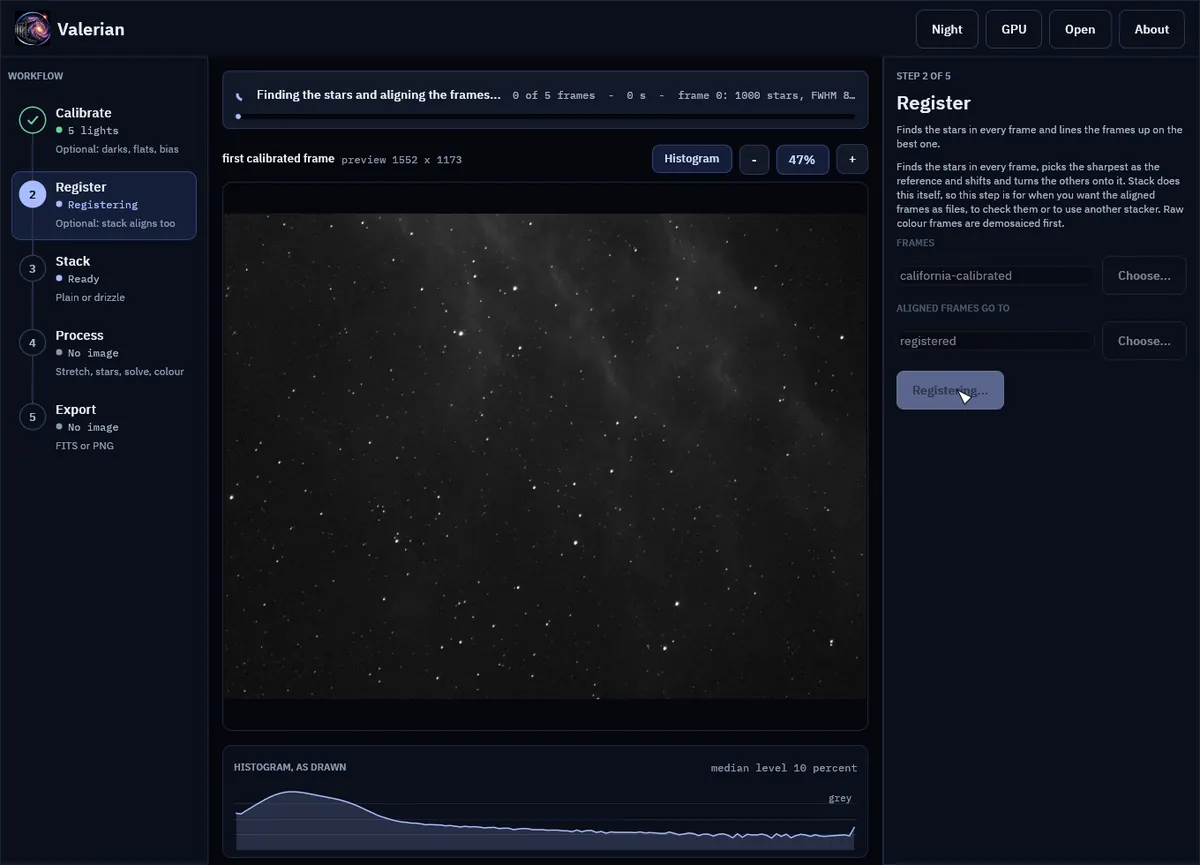
Register while it runs: finding the stars and lining up the frames. 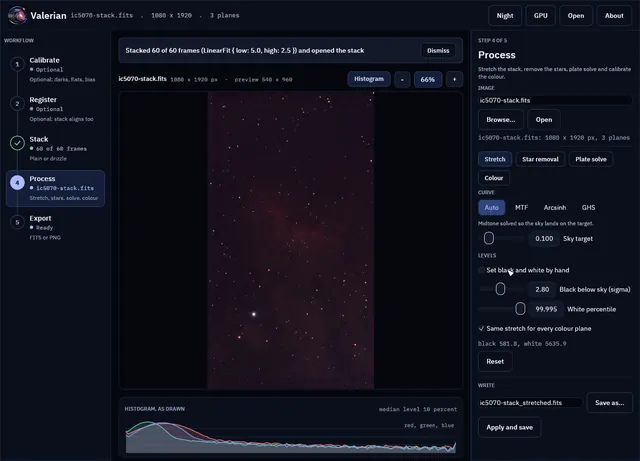
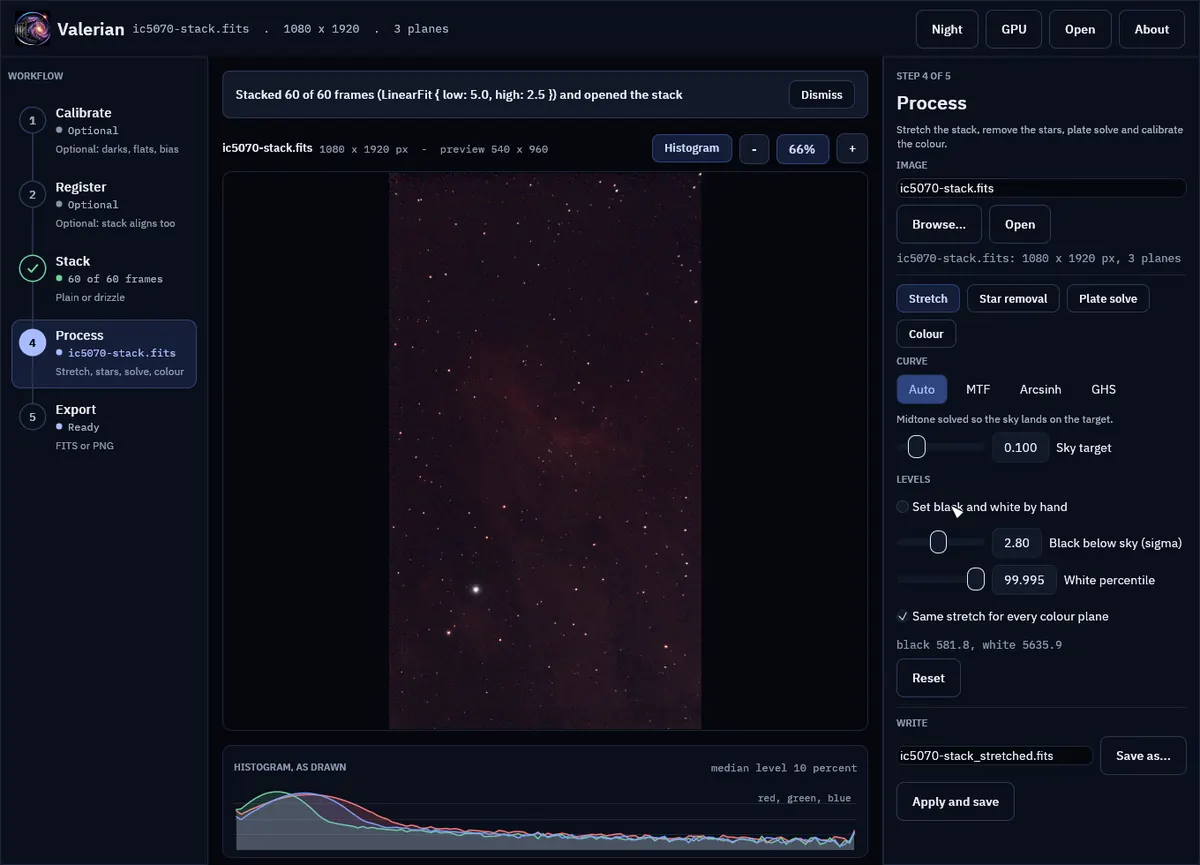
Stack, done: sixty Seestar frames of IC 5070. 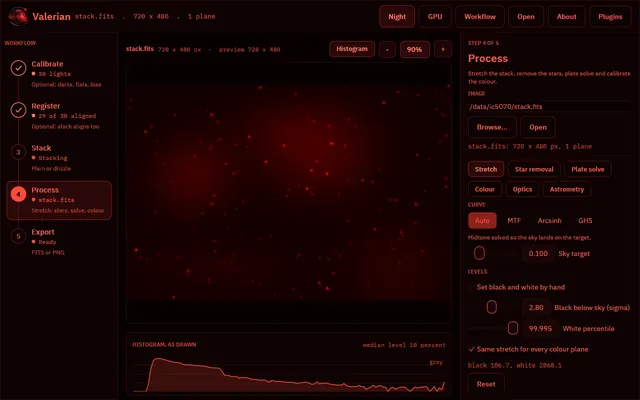
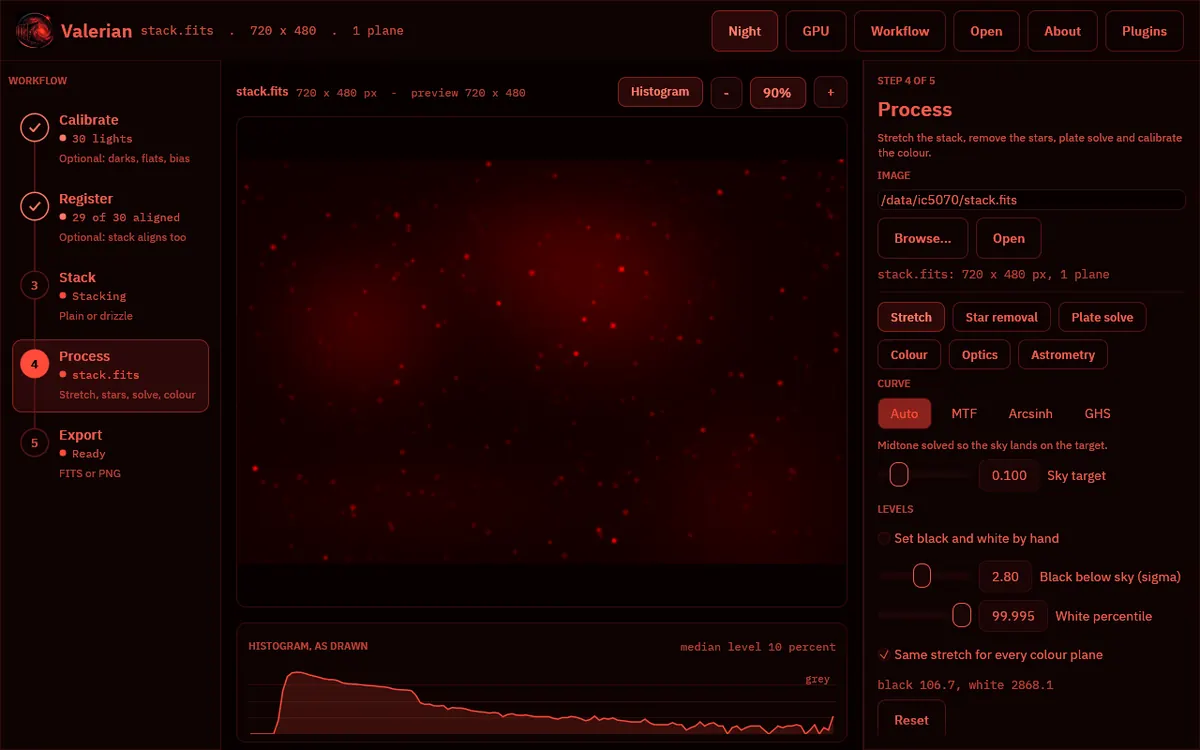
The red night palette, kind to your eyes at the telescope. 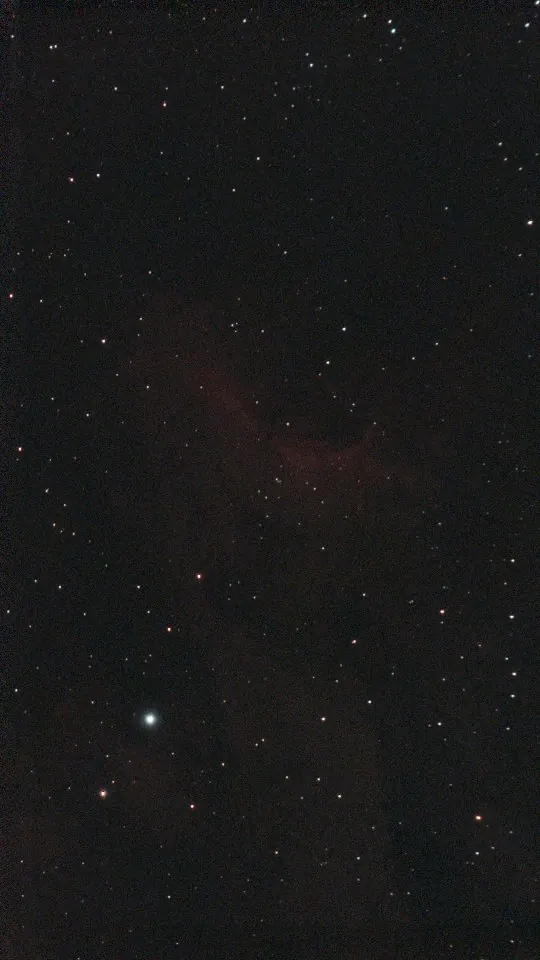
The colour stack after background extraction, colour calibration and a stretch: IC 5070.
How fast it is
Measured, not promised
- 14.8 sto combine sixty Seestar frames on an 8-core x86 computer
- 18.6 sfor the same frames on an 8-core Arm computer
- 4.0xfaster on 8 threads than on 1 on the x86 computer (5.0x on Arm)
Best of three runs on an otherwise idle machine, on the processor only. x86: AMD EPYC-Milan, 8 virtual cores. Arm: Ampere Altra, 8 cores. Graphics card timings are still to come.
Before you download
What you need
| Windows | 64-bit. Choose the installer, or the portable zip that runs without installing. |
|---|---|
| Linux | 64-bit Intel or AMD, or ARM64 (for example a Raspberry Pi 4 or 5). Choose an AppImage, a .deb, an .rpm or a tar.gz archive. |
| macOS | Coming soon. |
| Graphics | Valerian uses your graphics card when it finds one, and your processor when it does not. |
These apps are new and their installers are not signed yet, so Windows may say “Windows protected your PC”. Choose More info, then Run anyway. The download page lists a SHA-256 checksum for every file.
Downloads are on 12hobbies.studio. You choose what to pay, and nothing is fine too. Why is it free?
Where it stands
Honest status
Valerian is early software. It already goes from a night of exposures to a finished picture, and each version adds more. For star colours it uses the Gaia star catalogue, which is a separate free download that Valerian fetches only when you ask.
Why I made it
Valerian and me
I work in high-performance computing, and I like to let a machine do the waiting. My own astronomy pictures used to go through a pile of scripts I wrote for myself. A night of deep-sky pictures is a batch by nature: tens or hundreds of exposures that all need the same treatment. Valerian is that workflow made into fast, tested software with an app on top.
I made it for the long quiet hours of the night, so that the machine could do some of the waiting instead of me.
Dedication
Valerian is dedicated to my son Xaviar. His middle name is Valerian, because he was a very sleepy child, which suits software made for the long, quiet hours of the night sky.